My early journey in Physical AI
Awhile ago, I started growing interest in physical AI: how could the already powerful AI models be used for real physical tasks, and ultimately for better autonomy?
So when it was open sourced, I built a SO-100, then a SO-101. I even mounted the latter to my wheelchair and recorded a nice video.
But like most robotic videos back then, it was carefully recorded and teleoperated to create the illusion of a useful robot. It was not there yet.
A few months later, Hugging Face and Pollen Robotics launched Reachy Mini, so I bought and built the Lite version. A few months ago, it was ready for some Christmas magic and family demos.
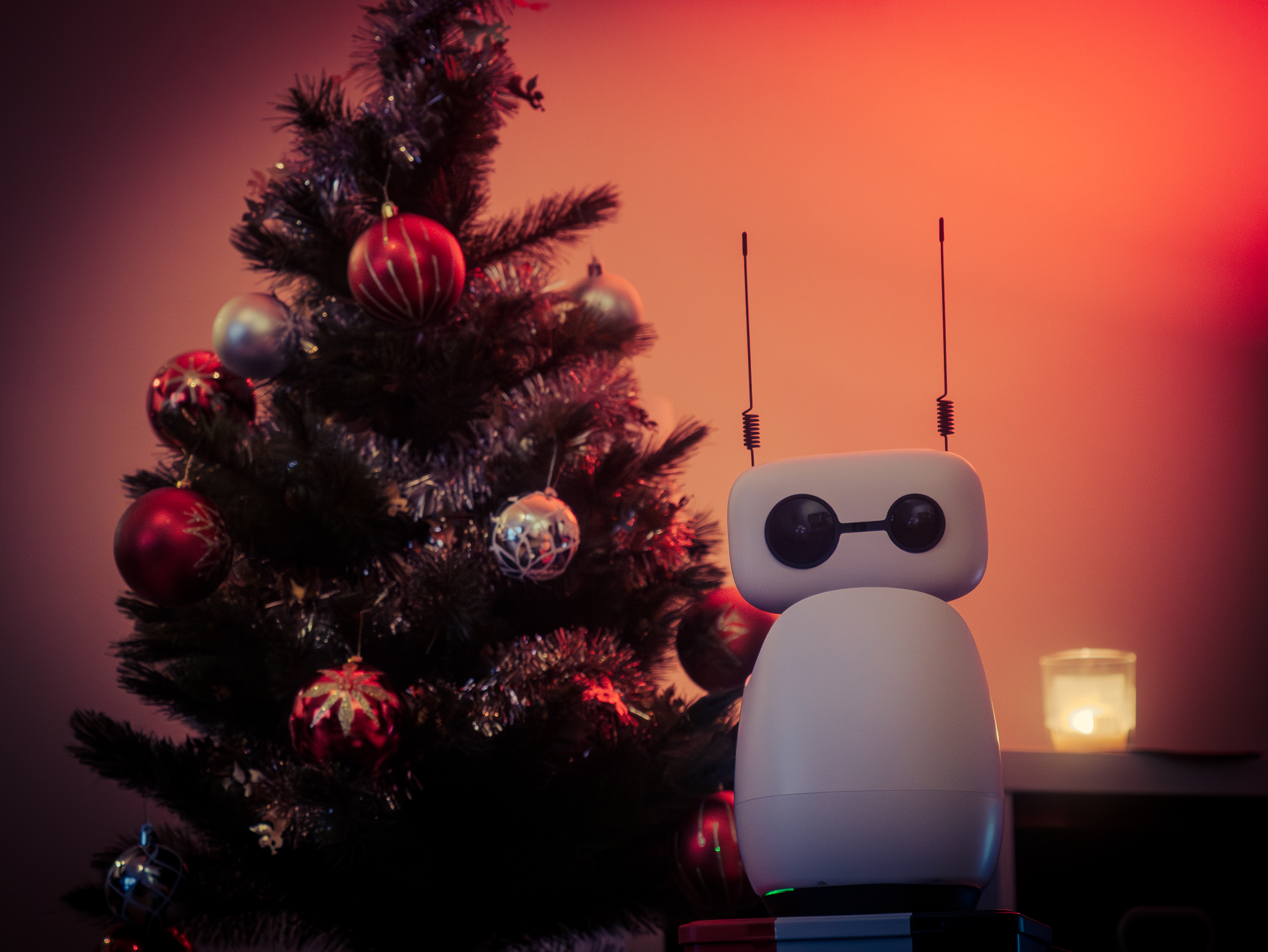
Then, a few weeks ago, I thought: what about combining both robots? The arm needs a front camera to be autonomous on some tasks, and Reachy needs an arm to interact with the world around it.
So after wiring up the two cameras (Reachy’s and the one mounted on the arm wrist), the big challenge was the teleoperation.
Due to my disability I cannot use a leader arm, as most teleoperators do. Training in a simulation was also not an option due to my setting, which is particularly difficult (reflective table, complex background, small pen).
So I built a small teleoperation app to directly control the follower SO-101 arm with my phone using two joysticks.
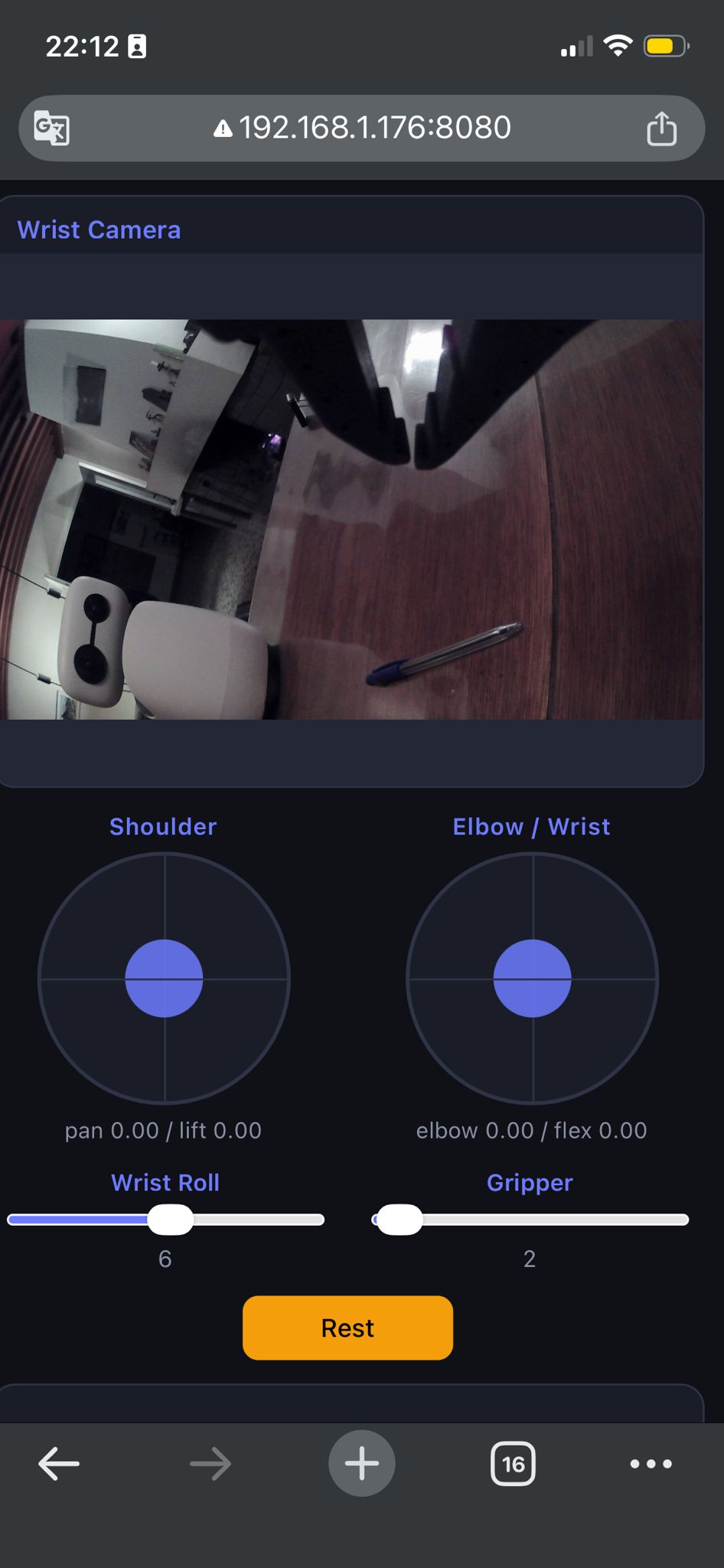
After some warmup trials, I recorded ~50 episodes of the arm picking up a pen and showing it to Reachy.
Then I used these episodes to finetune SmolVLA. I tried LoRA finetuning and full finetuning but I finally got better results with the full finetuning that took about 9 hours on my MacBook Pro M3.
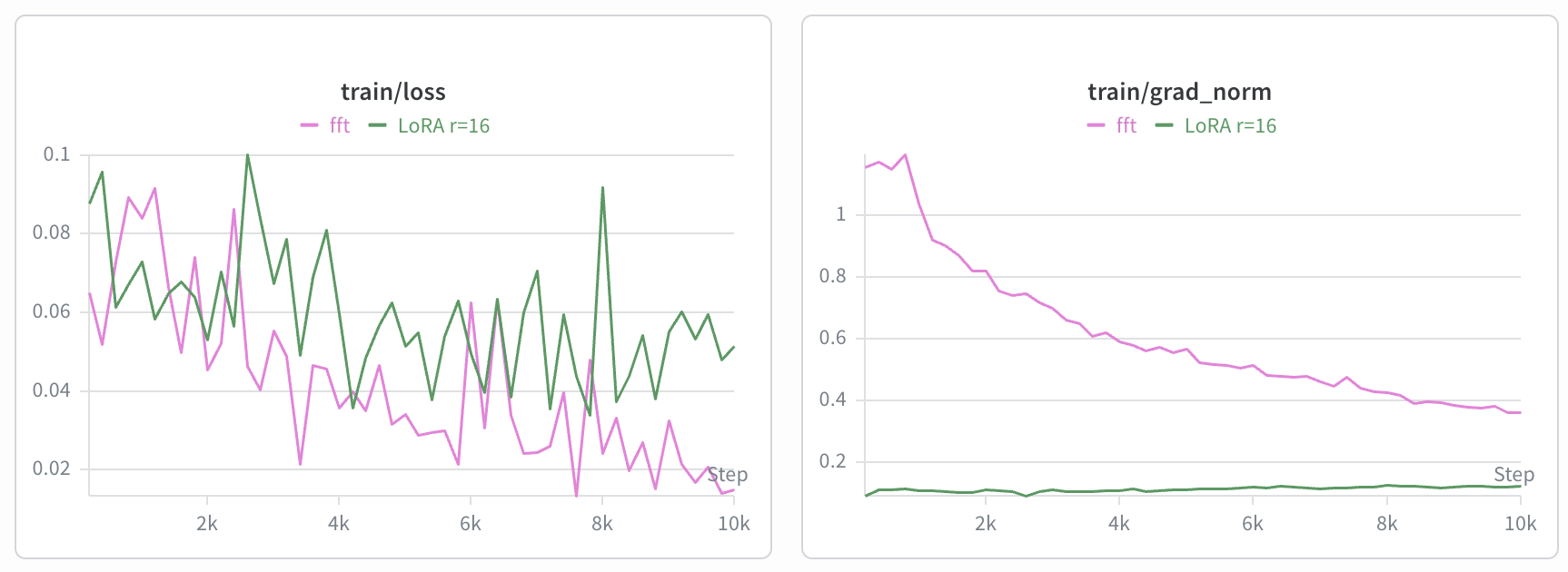
And here was the result!
I must say it feels weird to see a model I trained act in the real world. Physical AI is really something else and even though I know how it works, it still felt a bit like magic.
Now I can iterate over this prototype and build new use cases using my two robots. I plan to include this arm control, and the VLA tasks, in a full conversational experience to be able to ask Reachy for the things I need on my desk!
Stay tuned for more!
Code: https://github.com/YannisTevissen/my-home-bot